
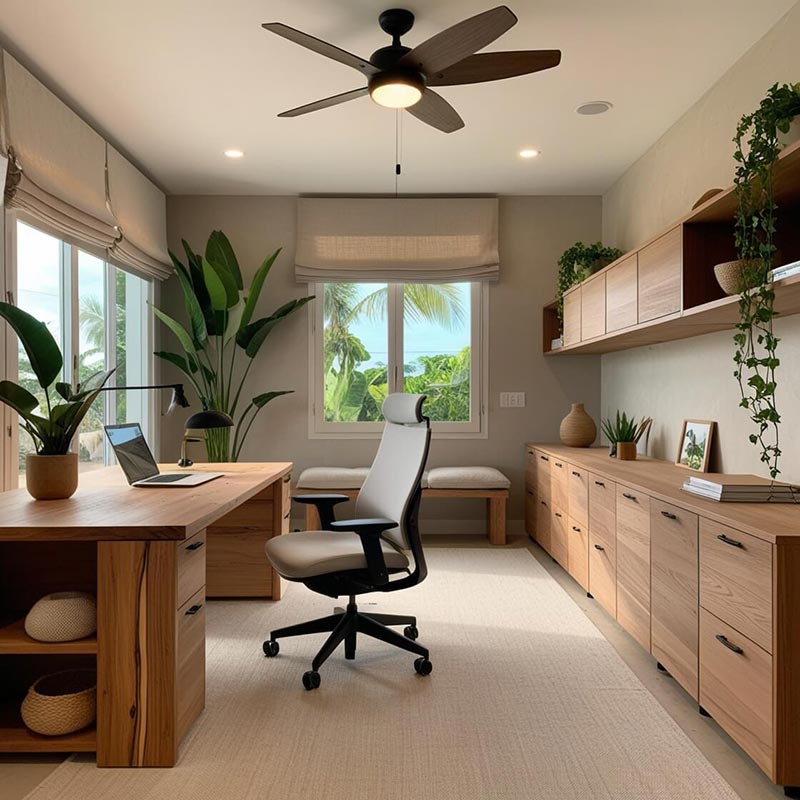
Working From Home? 7 Home Office Design Ideas That Actually Make You More Productive
Working from home sounds like a dream. No daily commute, no rushing to beat traffic, and no need to dress up just to sit in front of a computer. You can enjoy your coffee, work at your own pace, and spend more time with your family.
But here's the catch: working from the dining table, squeezing a laptop into your bedroom, or trying to concentrate while everyone else is watching TV can quickly turn that dream into a daily struggle.
If you're planning to build a house or renovate your existing home in Bacolod City or Iloilo City, this is the perfect opportunity to create a workspace that supports your productivity, comfort, and well-being.
The good news? You don't need a huge room or an expensive office setup to create a productive home office. With thoughtful architectural planning, smart furniture choices, and proper lighting and ventilation, even a small corner can become a functional workspace.
Here are seven home office design ideas to help you work smarter and make the most of your home.
Why Your Home Office Design Matters
Your surroundings can influence how you work. Poor lighting can cause eye strain, uncomfortable seating can lead to fatigue, and constant background noise can make it difficult to concentrate.
A well-designed home office helps you establish boundaries between work and personal life. It also makes everyday tasks more comfortable, whether you're a freelancer, remote employee, online entrepreneur, or business owner.
For homeowners in Bacolod and Iloilo, the design should also consider the local tropical climate. Heat, humidity, heavy rain, and strong afternoon sunlight can all affect the comfort of your workspace.
Let's look at how good home office design can make a difference.
1. Choose the Right Location for Your Home Office
One of the biggest mistakes people make when working from home is choosing a workspace based only on convenience.
That empty corner beside the television might look practical, but it may not be ideal when you need to attend an important online meeting.
Whenever possible, choose a location that offers privacy, reasonable noise control, good lighting, and access to electrical outlets and internet connectivity.
Home office location ideas
- A spare bedroom: Ideal if you need a dedicated office with a door you can close.
- A quiet corner of the living room: A practical solution for smaller homes, especially with a well-designed divider or built-in workstation.
- A space under the stairs: Can work well for compact offices, provided there is sufficient headroom, lighting, ventilation, and usable desk space.
- A room near the garden: Offers a pleasant view and can provide natural light, provided glare and heat are controlled.
- A flexible multipurpose room: Useful for homeowners who want an office that can double as a guest room or study area.
If you're still planning your house, consider including a home office in the original floor plan instead of trying to squeeze one in after construction.
Design tip: If your work involves frequent video calls, choose a location away from noisy kitchens, entertainment areas, and busy entryways.
2. Make Natural Lighting Work for You
Good lighting can make your workspace more comfortable and inviting. Natural daylight can also help you feel more connected to the outdoors during long working hours.
However, placing your desk directly in front of a bright window isn't always the best solution. Strong sunlight can create screen glare and increase indoor heat, especially during warm afternoons in Bacolod and Iloilo.
How to use natural light effectively
- Position your desk beside a window when practical, rather than directly facing intense sunlight.
- Use curtains, blinds, or exterior shading to control glare.
- Consider windows that provide daylight without sacrificing privacy.
- Add a desk lamp for focused work and cloudy days.
- Use light-colored wall finishes to help distribute daylight throughout the room.
For tropical homes, properly designed roof overhangs, window placement, and sun-shading devices can help balance daylight with heat control.
If you're building a new home, your architect can consider the orientation of the room and the direction of the afternoon sun when planning window sizes and locations.
Design tip: A bright workspace doesn't necessarily mean a room filled with direct sunlight. The goal is comfortable, consistent light without excessive glare or heat.
3. Invest in an Ergonomic Desk and Chair
Let's be honest: a dining chair may be fine for a quick email, but sitting on it for eight hours is a different story.
Your home office furniture should support comfortable working postures and allow you to adjust your position throughout the day.
What to look for
A suitable desk
Choose a desk that accommodates your computer, keyboard, mouse, documents, and other everyday essentials without feeling cramped. Ensure that the height allows your shoulders to remain relaxed while typing.
A supportive chair
Look for a chair with adjustable height, appropriate back support, and a seat that fits your body comfortably. Your feet should rest flat on the floor or on a footrest when needed.
A practical monitor setup
Position your monitor at a comfortable viewing distance, with the top of the screen around eye level or slightly below as a general starting point. Adjust the position to suit your posture and visual comfort.
Enough legroom
Avoid bulky cabinets or desk supports that prevent you from sitting comfortably.
You don't necessarily need designer furniture. A simple desk and a properly adjusted chair can be more useful than an expensive setup that looks good but feels uncomfortable.
Design tip: If you're planning built-in office furniture, settle the desk dimensions, chair requirements, and equipment layout before finalizing the cabinetry.
4. Keep Your Home Office Cool and Well-Ventilated
A warm, stuffy workspace can make a productive morning feel like a long afternoon.
This is particularly relevant in Bacolod City and Iloilo City, where tropical temperatures and humidity can make indoor comfort a challenge.
Good ventilation and thoughtful heat control should be part of the design, not an afterthought.
Smart ways to improve home office comfort
- Position windows to support natural airflow where site conditions and outdoor air quality allow.
- Consider cross-ventilation by providing suitable openings on different sides of a room where feasible.
- Use ceiling fans or a properly sized air-conditioning system when needed.
- Install effective curtains, blinds, or exterior shading to reduce unwanted solar heat.
- Consider roof insulation and appropriate roof construction to reduce heat transfer.
- Avoid blocking windows and ventilation openings with tall cabinets or bulky furniture.
If you plan to use air-conditioning, make sure the room's cooling requirements are assessed properly. Room size, window exposure, insulation, occupancy, and heat-generating equipment can all affect the cooling load.
Remember that opening windows isn't always the best option during heavy rain, periods of high outdoor humidity, or when outside noise and pollution are significant. Your home office should be designed around how you actually work.
Design tip: A well-planned home office combines daylight, shading, ventilation, and cooling options to achieve comfortable working conditions without unnecessary energy use.
5. Plan Your Internet Connection and Electrical Outlets
Nothing interrupts a productive workday quite like a weak Wi-Fi signal during a client presentation or a laptop battery running low when you can't find an available outlet.
These may seem like minor details, but they're worth considering before construction or renovation begins.
Include these essentials in your plan
- Conveniently located electrical outlets near the desk.
- Reliable Wi-Fi coverage throughout the workspace.
- Ethernet cabling where a wired connection would be beneficial.
- Sufficient outlets for computers, monitors, printers, chargers, and task lighting.
- A safe, organized solution for managing cables.
- Adequate ventilation around computers and other heat-generating equipment.
- Surge protection and suitable electrical protection for your equipment.
For new construction, coordinate outlet locations with the intended desk arrangement. This helps avoid extension cords running across walkways or cables dangling behind furniture.
If you frequently experience unstable internet, consider whether the office needs a wired network connection or a better location for your router or access point.
Electrical installations should be planned and completed by qualified professionals in accordance with applicable requirements.
Design tip: Think about your future equipment, too. You may start with one laptop today and add a second monitor, printer, or desktop computer later.
6. Add Smart Storage and a Clutter-Free Layout
A beautiful office can quickly become frustrating when documents pile up, cables tangle around your feet, and every available surface becomes a storage area.
A good home office should make it easy to find what you need and put things away when the workday ends.
Storage ideas for different home sizes
For small homes: Use floating shelves, wall-mounted organizers, and compact desks with drawers.
For spare-room offices: Combine closed cabinets with open shelves for frequently used items.
For multipurpose rooms: Choose storage that keeps work equipment out of sight when the room is being used for other activities.
For minimalist interiors: Use built-in cabinetry that follows the room's dimensions and provides dedicated spaces for equipment and documents.
Don't overlook vertical space. Wall-mounted shelves and cabinets can free up valuable floor area, particularly in compact urban homes.
At the same time, avoid filling every wall with storage. Leaving some open space can make a small office feel less crowded.
A clean desk doesn't mean removing everything you use. It means creating a system where everyday essentials are easy to reach and unnecessary clutter has a proper place.
Design tip: Plan storage according to your actual work habits. A freelancer who uses mostly digital files has different storage needs from a business owner who handles physical documents and product samples.
7. Design a Workspace That Separates Work From Home Life
Working from home can blur the line between professional responsibilities and personal time.
You might finish a client project, prepare dinner, return to your laptop, and suddenly realize that the entire evening has become another work session.
Your home office layout can help establish a healthier boundary.
Practical design strategies
- Use a dedicated room or clearly defined work zone.
- Add a door or suitable divider if privacy is important.
- Keep work equipment organized so it can be put away after working hours.
- Use comfortable but professional lighting for video calls.
- Position the desk away from high-traffic family areas when possible.
- Incorporate a small plant, artwork, or a pleasant view to make the space inviting.
- Consider acoustic treatments, curtains, rugs, or other appropriate materials to help reduce everyday noise.
If your home has limited space, a compact built-in desk with closed storage can be an effective solution. It allows you to work when needed and keep the workspace visually tidy when the day is done.
For families, the best design is one that balances privacy with the realities of shared living spaces.
Design tip: A home office doesn't have to look like a corporate office. It should reflect your personality while supporting concentration, comfort, and a clear end to the working day.
Bonus: Should You Include a Home Office in Your New House Plans?
If you're building a house in Bacolod City or Iloilo City, this is a good question to discuss with your architect early in the design process.
Even if you don't work remotely right now, a flexible workspace can be useful for studying, managing household finances, running a small business, or accommodating future changes in your work arrangements.
When planning your home office, consider:
- How many people may use the workspace.
- Whether you need a private room or a shared study area.
- The amount of desk and storage space required.
- Window orientation, natural light, and heat control.
- Electrical outlets and internet connectivity.
- Privacy, noise, and proximity to other rooms.
- Whether the space could serve another purpose in the future.
The best solution depends on your lot, floor area, budget, family needs, and the way you work.
Planning these details from the beginning can help you avoid costly adjustments after construction.
Frequently Asked Questions About Home Office Design
1. What is the ideal size for a home office?
There is no single ideal size. A compact workstation may be enough for one person using a laptop, while a dedicated office may need more space for multiple monitors, storage, meetings, or additional equipment. Start with the furniture and activities you need, then allow sufficient room for comfortable movement.
2. Where should I place my home office in a house?
Choose a location with suitable lighting, ventilation, privacy, and internet access. A spare bedroom or quiet room is often a good choice. In smaller homes, a carefully planned corner of the living area or a compact built-in workspace may be sufficient.
3. How can I design a small home office?
Use a compact desk, vertical storage, good task lighting, and a chair suited to the available space. Keep the layout simple and avoid bulky furniture that blocks movement. Built-in desks and shelves can help maximize limited floor area.
4. How can I make my home office cooler in the Philippine climate?
Combine appropriate window placement, exterior shading, roof insulation, ventilation, and fans or air-conditioning as needed. The most effective combination depends on room orientation, outdoor conditions, construction materials, and how frequently the room is occupied.
5. Is a home office worth including in a new house design?
For many households, yes. It can support remote work, online businesses, studying, and everyday household tasks. If a dedicated room isn't practical, a flexible study area can provide similar benefits without requiring a large amount of floor space.
6. Should I consult an architect before designing my home office?
Consulting an architect is especially useful if the workspace will be integrated into a new house, added during a renovation, or designed around particular privacy, ventilation, electrical, or space requirements. An architect can help coordinate the office with the rest of the home's layout and overall design.
Final Thoughts: A Better Workspace Starts With Better Planning
A productive home office isn't just about buying a comfortable chair or finding a quiet corner. It's about creating an environment that supports the way you work.
From choosing the right location and maximizing natural light to improving ventilation, planning electrical outlets, and organizing storage, every detail can contribute to a more comfortable and functional workspace.
For homeowners in Bacolod City, Iloilo City, and nearby areas, thoughtful design is particularly valuable when balancing tropical weather, limited floor space, family needs, and energy efficiency.
Whether you're planning a new home or upgrading your existing one, the best time to think about your home office is before the construction details are finalized.
Planning to Build or Renovate Your Home?
At AB ArchiDesigns, we believe every home should be designed around the people who live and work in it. With more than 18 years of experience in architectural design and construction, our team works to create spaces that are functional, practical to maintain, and reflective of each owner's needs and personality.
If you're planning a new house or renovation in Bacolod City or Iloilo City, let's discuss how to make your space work better for you.
Contact AB ArchiDesigns to discuss your architectural design and construction project. Your dream home can be beautiful, comfortable, and ready for the way you live today.
AB ArchiDesigns — Thoughtful Design. Functional Spaces. Homes Built Around You.
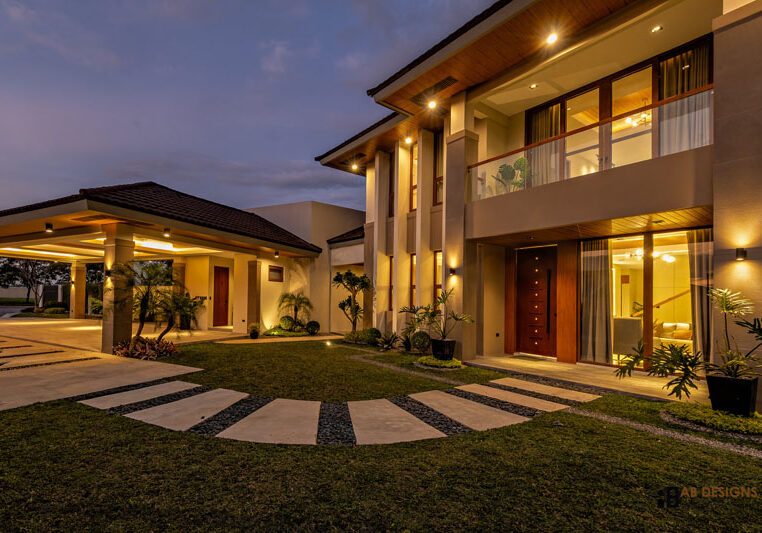
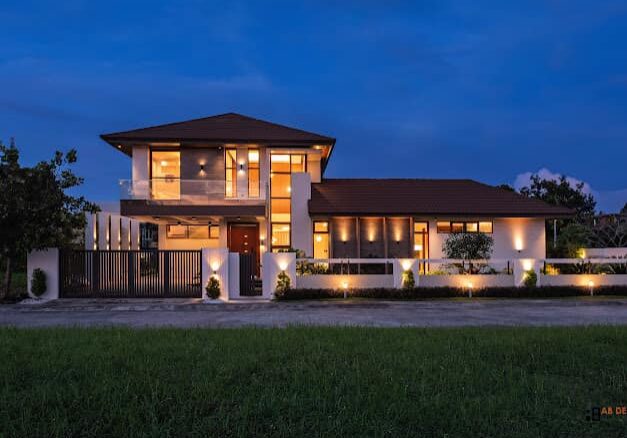
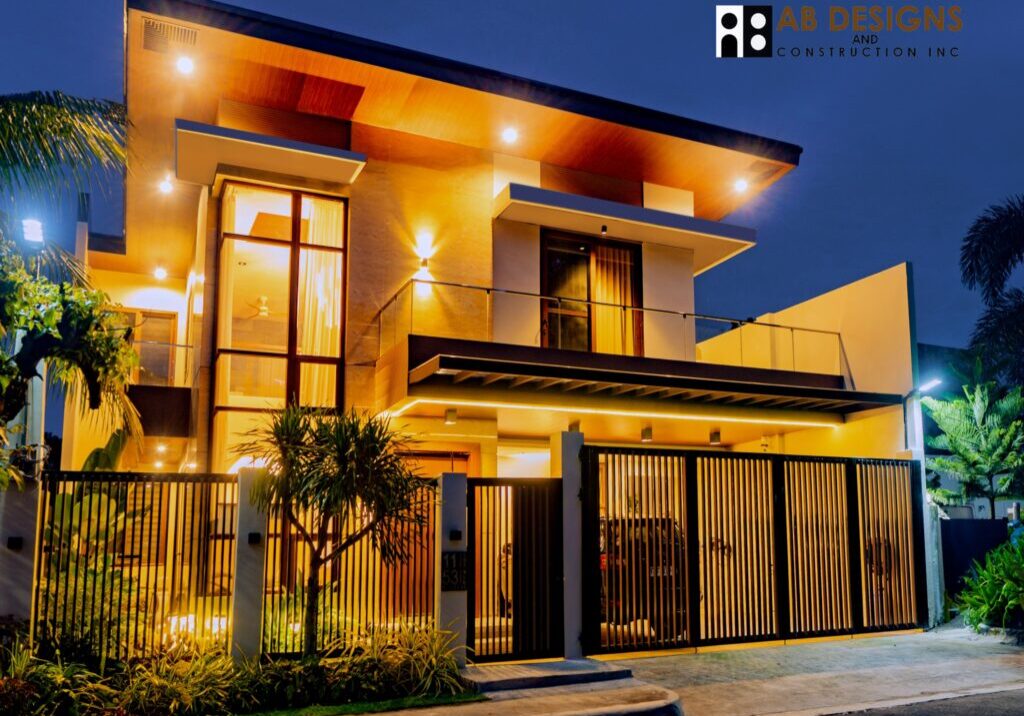
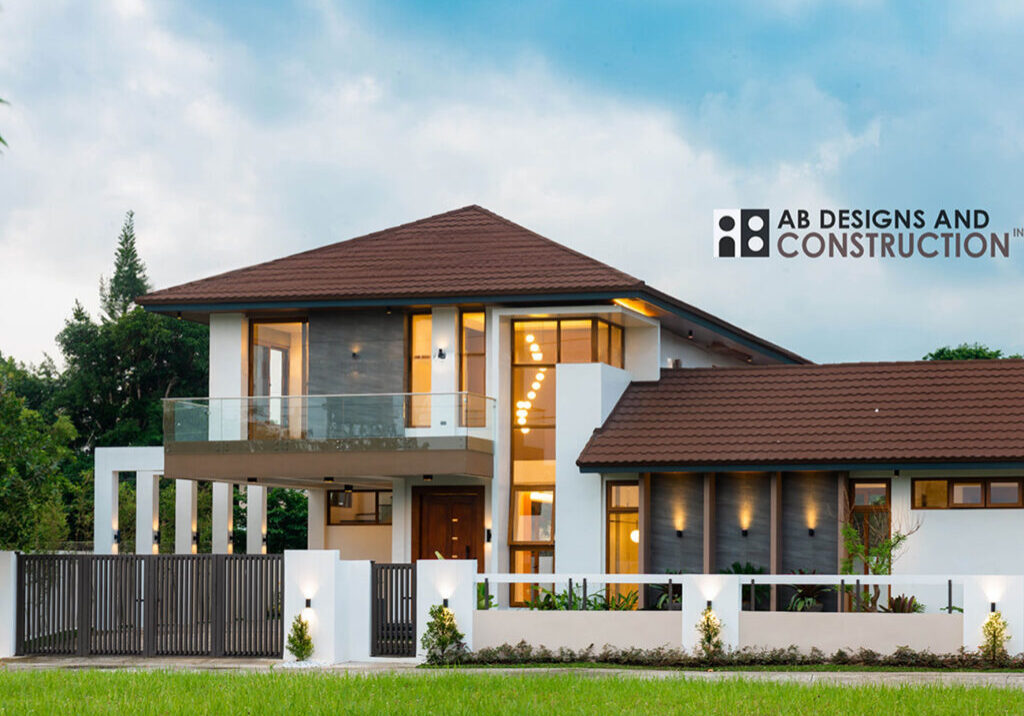
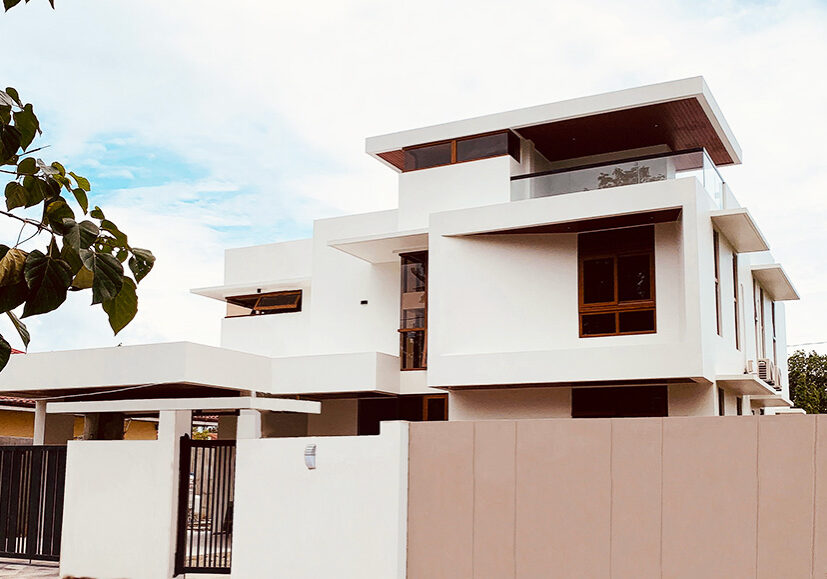
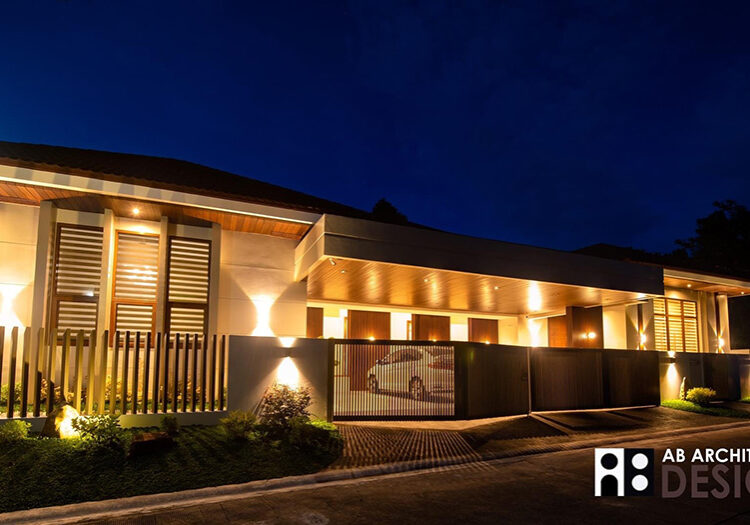
OUR PROJECTS
Get Your Custom Quote
Answer a few questions about your project and we'll provide you with a detailed quote.
What type of project are you planning?
New Home Construction
Build a custom home from the ground up
Home Renovation
Remodel or renovate existing space
Home Addition
Add rooms or expand existing space
Commercial Project
Office, retail, or industrial construction
What size project are you planning?
Timeline and Budget
Project Location & Preferences
Contact Information
Submitting your quote request...
Quote Request Submitted Successfully!
Thank you for your interest! We'll review your request and will get back to you as soon as possible. Also, a copy of the inquiry was sent to your email.
AB Architectural Designs Co. Bacolod City
Contact Numbers:
+63 34 4337933
Arch. Rolem L. Basiya
09985800955
Arch. Roberto T. Aguillon
09176257225
Email:
abarchidesigns@gmail.com
info@ab-archidesigns.com
AB Architectural Designs Co. Iloilo City
Blk 38 Lot 18& 20
Ana Ros Village, Mandurriao
Iloilo City
Contact Numbers:
+63 9985800955 / +639176257225
Email:
abarchidesigns@gmail.com
info@ab-archidesigns.com